
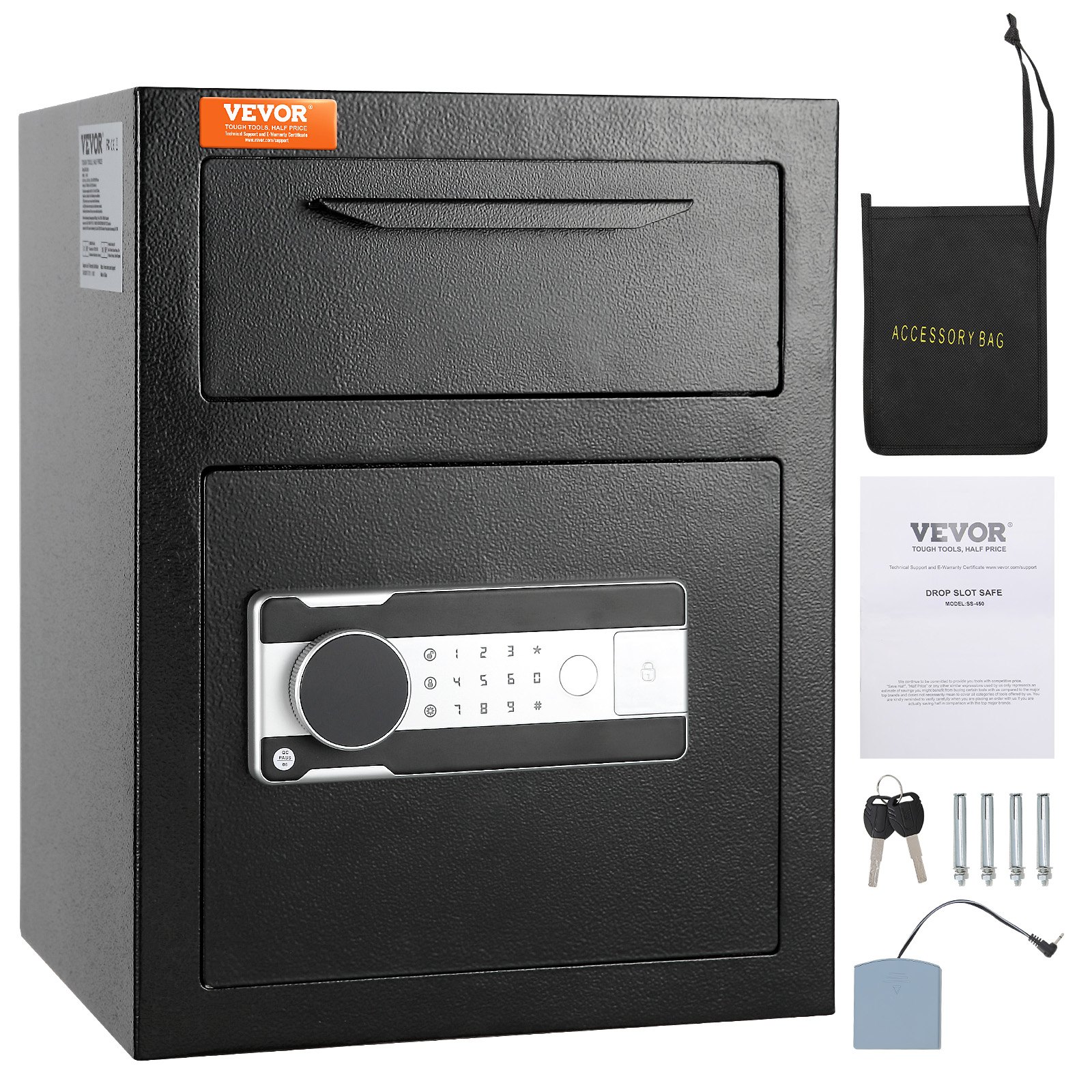
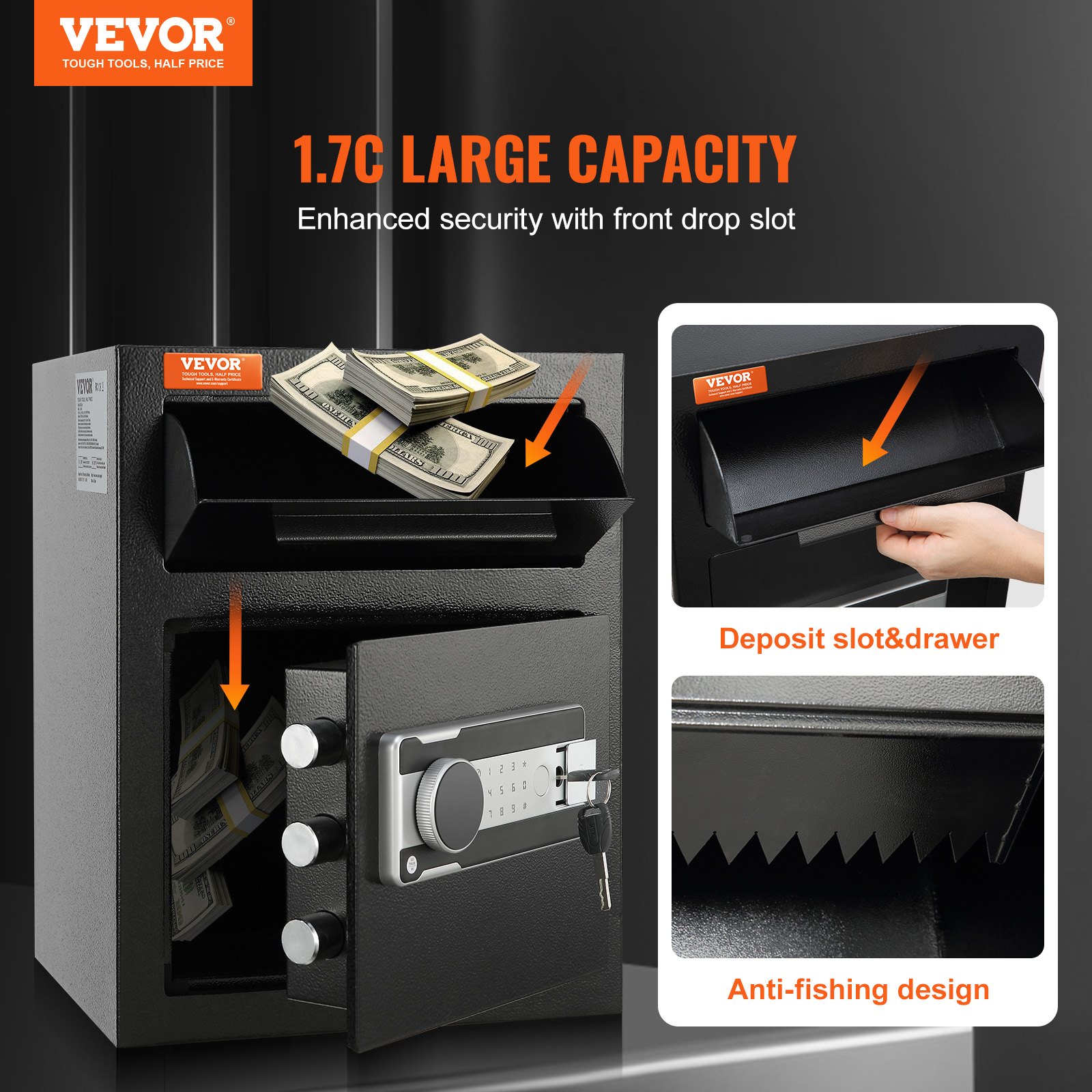
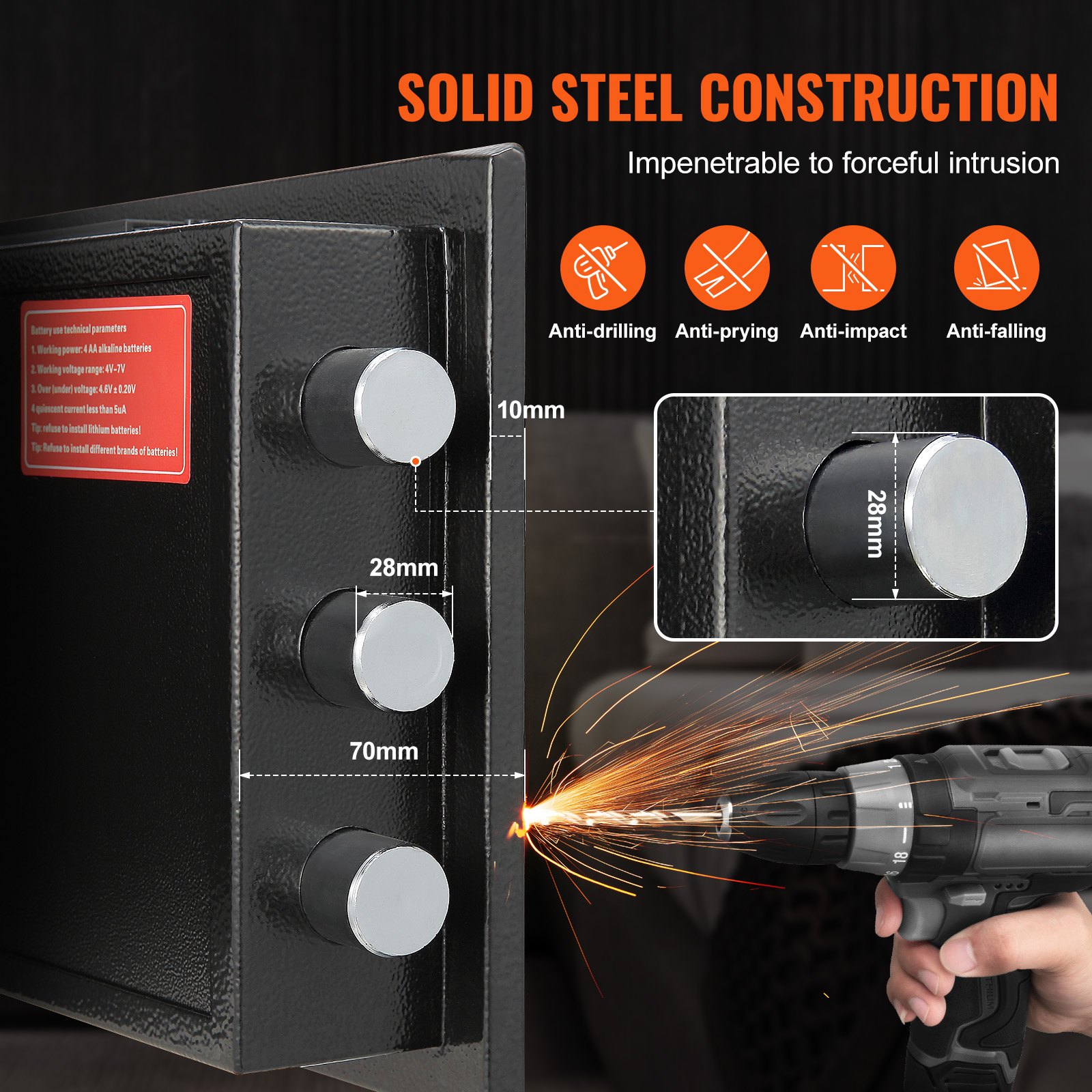
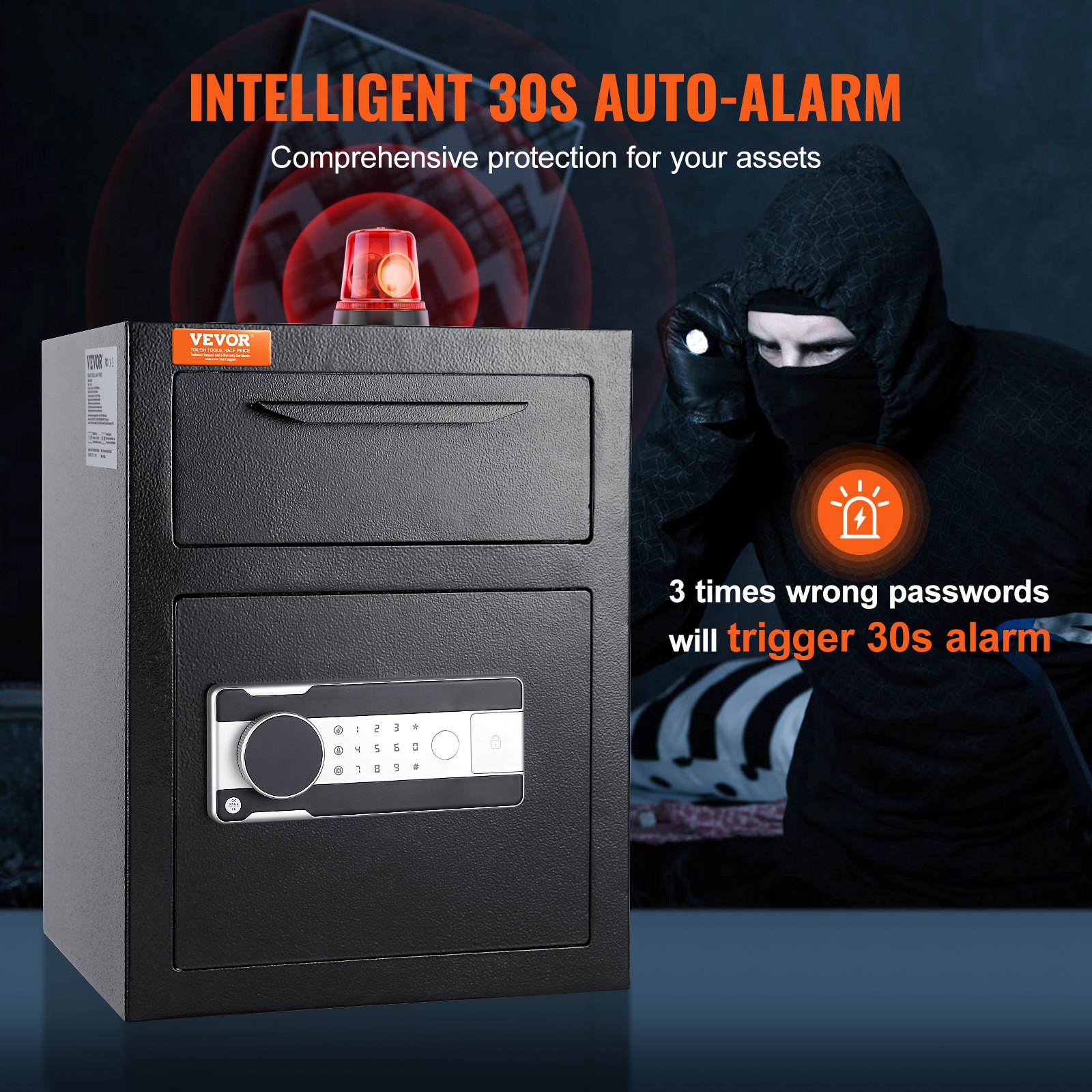
Unlock the full potential of your VEVOR 1.7 Cub Depository Safe with our comprehensive product manual download. Designed to be your ultimate guide, this manual provides detailed instructions for setup, troubleshooting, and optimization of your Deposit Safe with Drop Slot.
Whether you’re safeguarding cash, mail, or other valuables in your home, hotel, or office, our user-friendly manual ensures you can easily navigate the electronic code lock and emergency key functions.
The manual covers every aspect of your safe, from initial setup to advanced security features, ensuring you maximize its capabilities and maintain top-notch security. Download now to access step-by-step guidance, vivid illustrations, and expert tips to help you secure your assets confidently and easily.
Depository Safe User Manual
MODEL: SS-450
Instructions
Thank you very much for choosing this product. Please read all of the instructions before using it. The information will help you achieve the best possible results.
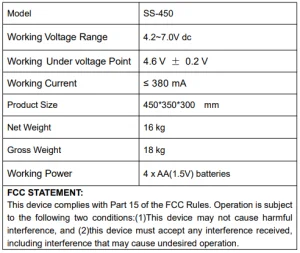
Depository Safe Technical Parameters
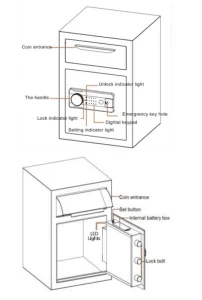
Depository Safe Parts List
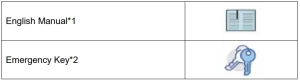
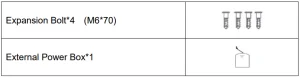 Opening Your Depository Safe for The First Time
Open the door for the first time, use the configured emergency key to open the door. The operation steps are as follows:
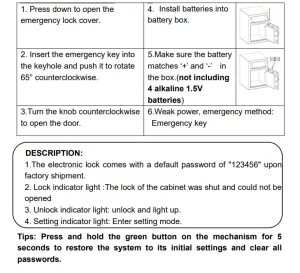
Notice: Do not put emergency keys and external power supply inside the safe!
Personal Password Setting
- Press the green button inside the box (code switch), and the buzzer will emit a beep sound while the touch light illuminates.
- Enter the desired password, which should be between 3 and 12 digits long.
- Press the “#” key to confirm the password. The buzzer will emit a beep, and the light will turn off, indicating the successful password setup or change.
Manage Password Settings
- Wake up the touch screen by touching it and enter “00”.
- Press the green button inside the box (code switch), enter the new password, and confirm it with the # key.
Notice: Do not set the same personal password as the management code.
Three Ways to Open the Safe
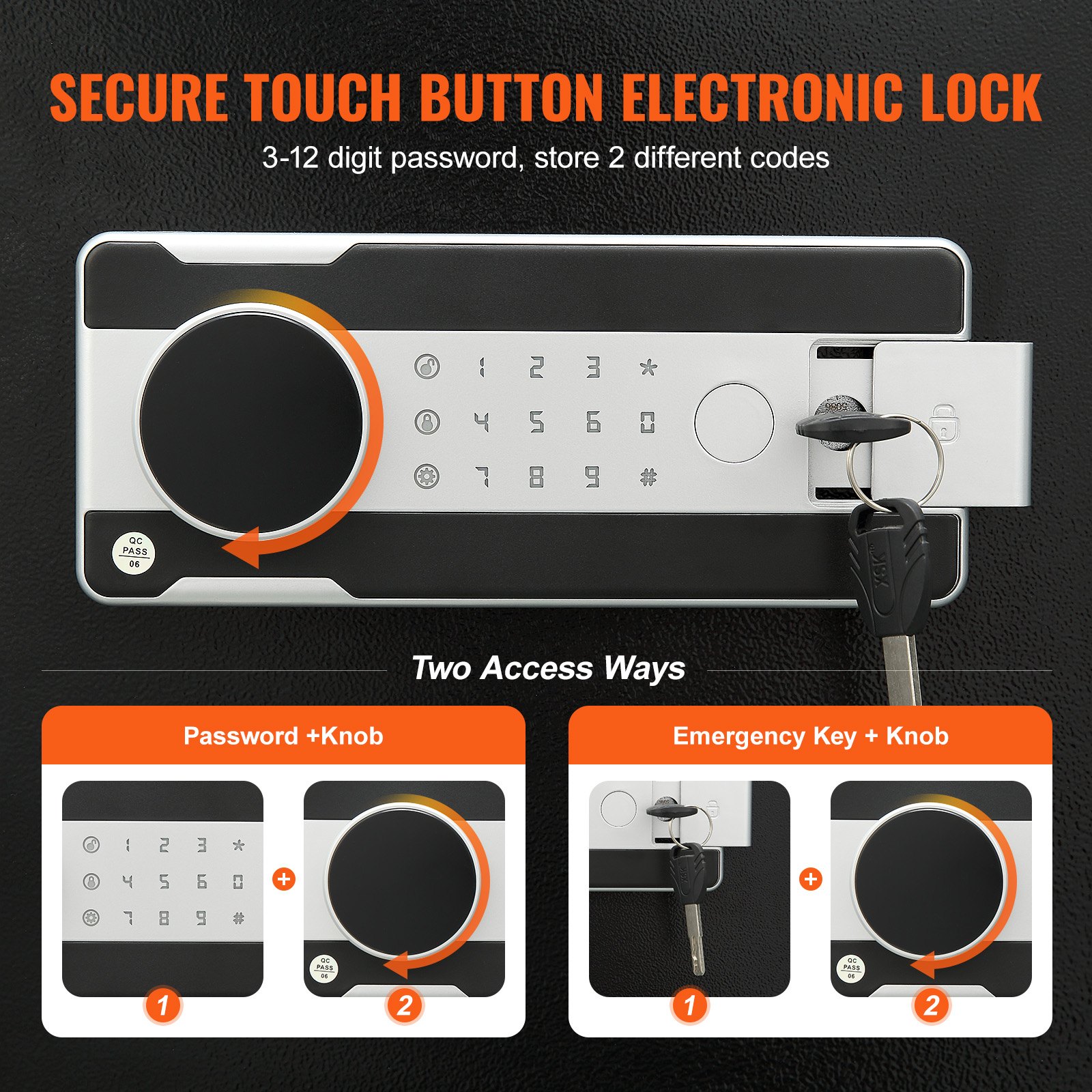
- Emergency Key + Knob: For the first time, the password has been forgotten, and the battery is out of power. Insert the emergency key vertically, turn it to the left, and turn the knob to the right to open.
- Password + Knob: Daily unlock. Enter the personal or management password, press “#”, then turn the knob to the right to open.
- Password + Knob + External Power Box: The internal battery is dead, and the key is damaged or lost. Insert the external power box, enter the personal or management password, press “#,” and then turn the knob to the right to open.
Low Battery Alert
- The system uses four 1.5V alkaline batteries. If the voltage is low, it will continuously remind by emitting “drip, drip, beep” sounds after opening the safe. After the “drip, drip, beep” sounds twice, the power indicator light will flash for about 30 seconds and then turn off, reminding the user to replace the batteries promptly.
- In case of low battery voltage, you can use emergency power or the mechanical emergency key for operation.
- This electronic lock has a power-off protection function, and the password will never be lost.
Depository Safe Vigilance Setting and Deactivation
- To set the alarm, wake up the touch screen, and press the”*” key. The computer board will automatically enter the alarm state. These will trigger an alarm immediately after vibration.
- To cancel the alarm, enter the set password when the safe is alarmed, and press the “#” key to open the safe and eliminate the alarm.
Tips: This electronic lock has an automatic alarm feature that triggers for 30 seconds or 1 minute after 3 (or 5) consecutive incorrect password entries. Entering the correct password will eliminate the alarm sound.
How To Wall or Floor Mounting
The safe may be mounted to a wall or floor. * Drill the appropriate size holes for the anchors you are using
Mount the safe by running screws from inside of the safeand securing to anchors; ensure the safe is mounted securely Floor Mounting.
Use proper drill tools depending on the type of floor you are mounting the safe on (wood, tile, or concrete).
Safety and Compliance
- Reduce the theft risk; the safe must be posted on the wall or floor to ensure safety.
- Please take good care of the emergency key and store it in a secret place away from the safe. Do not put the emergency key into the safe, or it will not be used to open the safe when the battery runs out.
- Do not place the product on an unsafe overhead, to avoid falling, damaging the product, or injuring people.
- Do not spill liquid on the control panel, or it may cause an electric shock to the internal electronic components and prevent them from working correctly.
WARMLY REMINDER
- Because it is handmade, inside solder joints or rust stains are normal.
- Please keep emergency keys, secret cabinet keys, and the external power supply box safe.
- The emergency key cannot open the safe of other brands or the same brand, which is unique. (Please do not try, to avoid damage to the safe, and the unmatched key cannot be taken out)
- The protective film on the knob cover can be torn off.
- Do not remove the emergency key or adjust its direction before closing the door. This can prevent the lock bolt from jamming, and knob operation will be smoother.
- The door won’t shut: Check for obstructions. If the door bolts are extended, re-enter the user code and turn the knob clockwise to retract them.
After Sales Service
- If the depository safe you received has other problems, such as usage problems, don’t hesitate to contact us. Our online customer service is available within 24 hours to serve you.
- Our products are supported for 90 days.
- I wish you a happy online shopping.
Correct Disposal
This Depository Safe is subject to European Directive 2012/19/EC provisions. The symbol showing a wheelie bin crossed through indicates that the product requires separate refuse collection in the European Union. This applies to the product and all accessories marked with this symbol.

Products marked as such may not be discarded with regular domestic waste, but must be taken to a collection point for recycling electrical and electronic devices.
Recommended For Your Project
VEVOR 1.7 Cub Depository Safe, Deposit Safe with Drop Slot Manual

Reviews
There are no reviews yet.